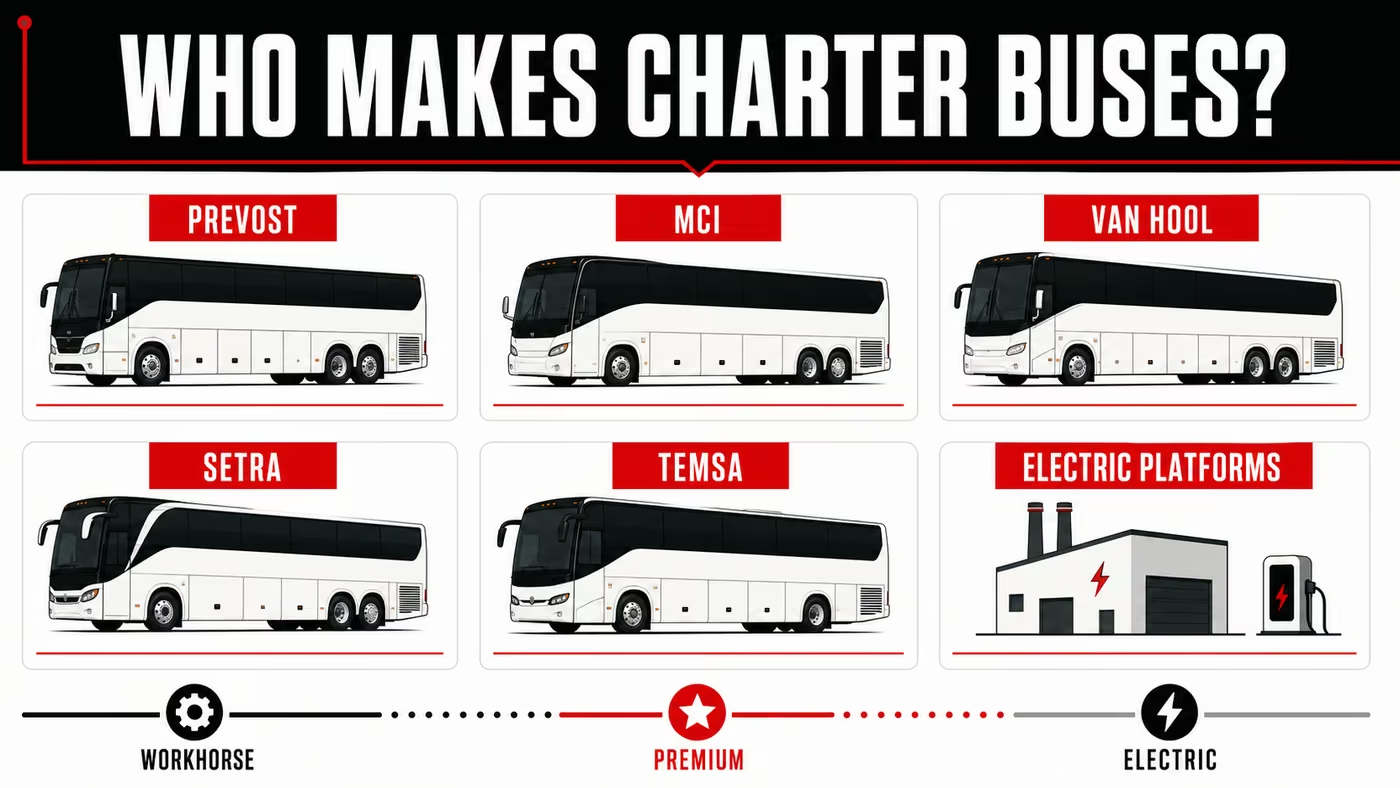
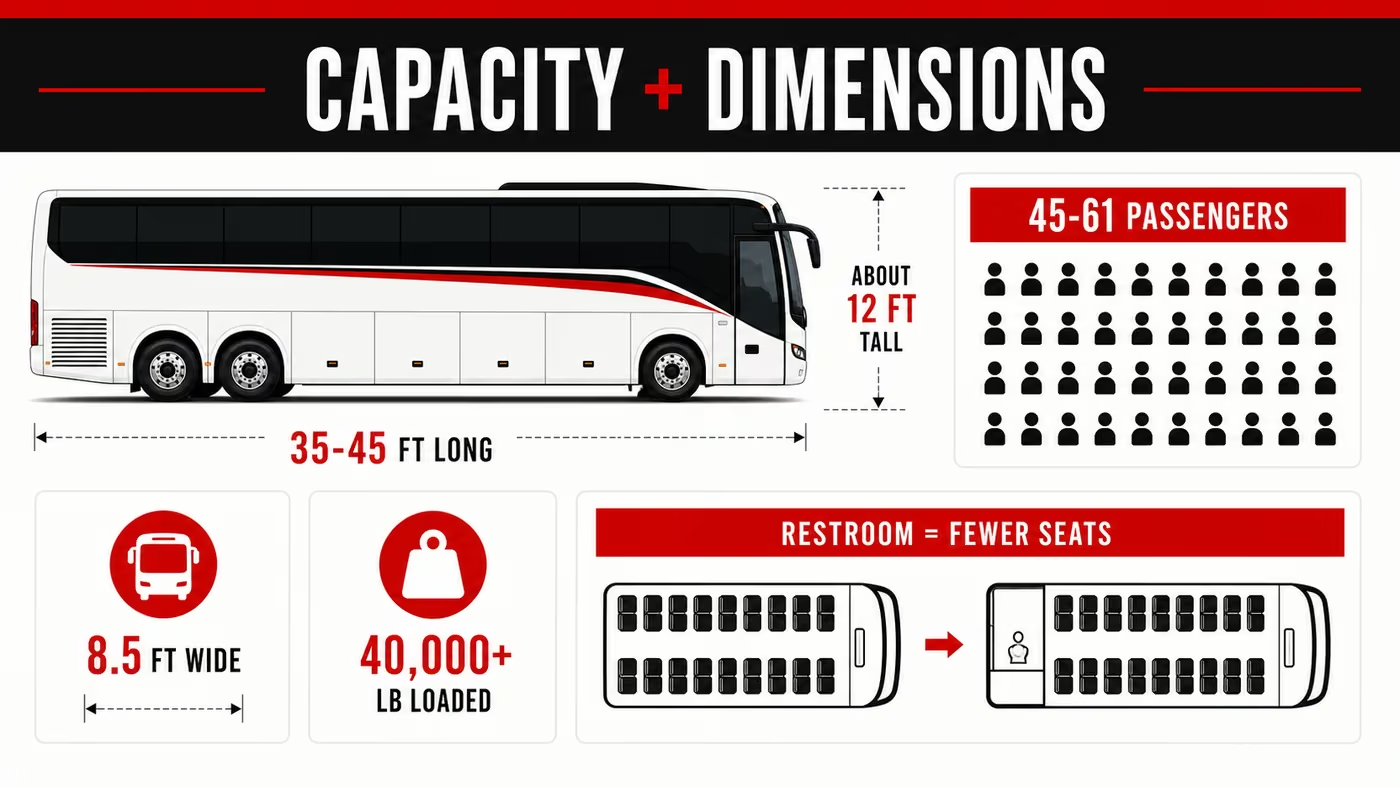
Short answer: Yes — many modern full-size charter buses have 110-120V AC outlets and USB charging ports. But it is not accurate to assume every full-size coach built after 2015 has them. Major coach builders treat passenger power differently by model, trim package, and operator specification: MCI lists 110V outlets with USB at every seat with a 4,000W inverter on J-Series spec packages, Prevost lists 110V outlets with USB as optional on the H3-45, with an optional second 1,800W inverter, and ABC Companies lists 110V tamper-resistant receptacles with USB and USB-A/USB-C with inverter on Van Hool CX specifications.
The real picture is more nuanced than a one-line answer suggests, and if you're booking a trip out of Chesapeake without verifying the specifics, you're rolling the dice on whether your group's phones, laptops, and CPAPs will actually stay powered between the Hampton Roads Bridge-Tunnel and wherever you're headed.
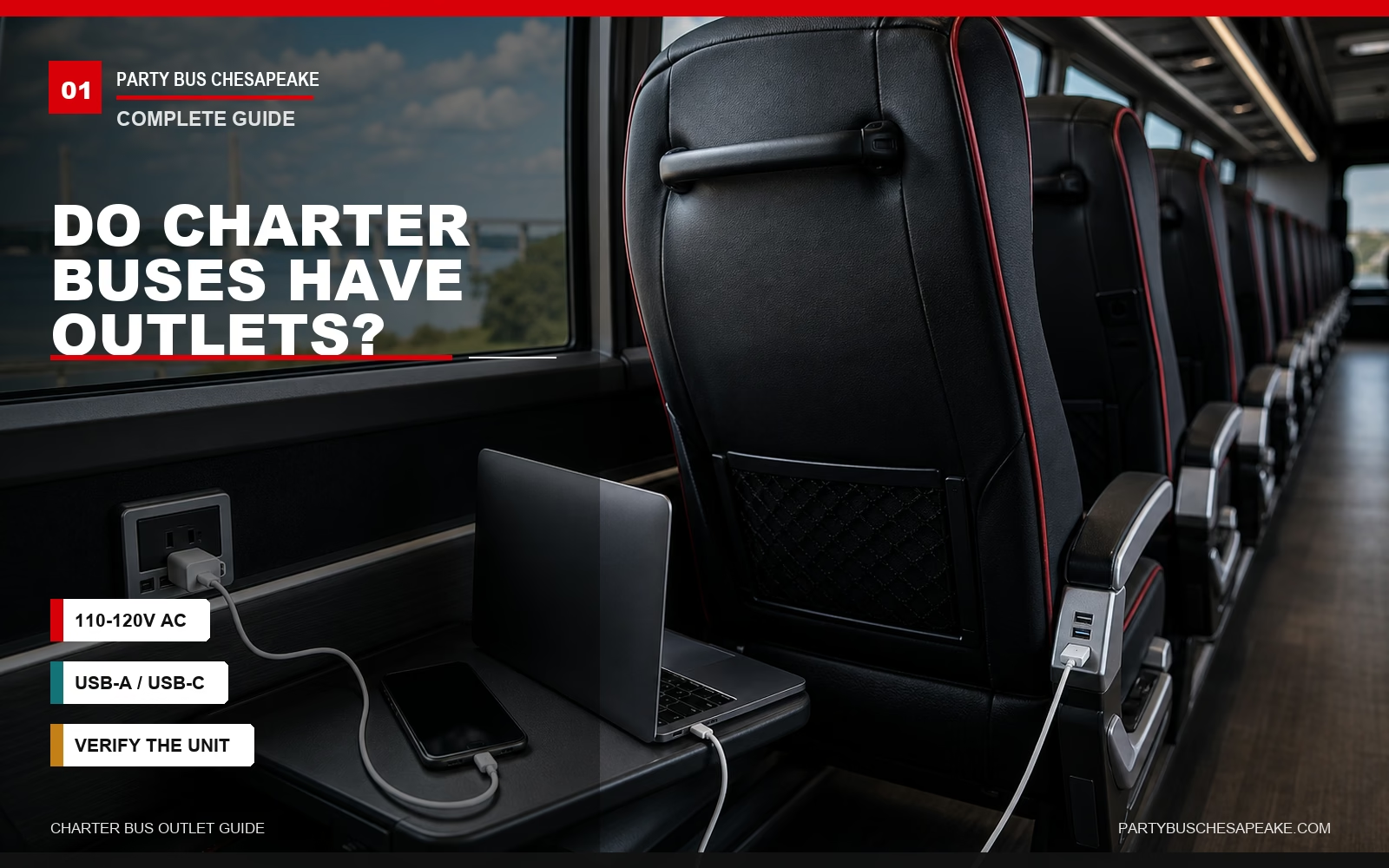
This guide breaks down exactly what to expect from charter bus power systems by bus class and builder, what voltage and wattage you're really working with, which of your devices will charge reliably (and which absolutely won't), the five questions you should ask any operator before paying a deposit, and what to do when an outlet quits halfway down I-64.
We've put more than a decade into chartering buses out of Hampton Roads — from corporate runs up to Reagan National, to Chesapeake Public Schools field trips bound for Williamsburg, to wedding shuttles across the Chesapeake Bay Bridge-Tunnel to the Eastern Shore — and what follows is the real, specifics-first answer the other guides don't give you.
Yes, Most Charter Buses Have Outlets — But With Caveats
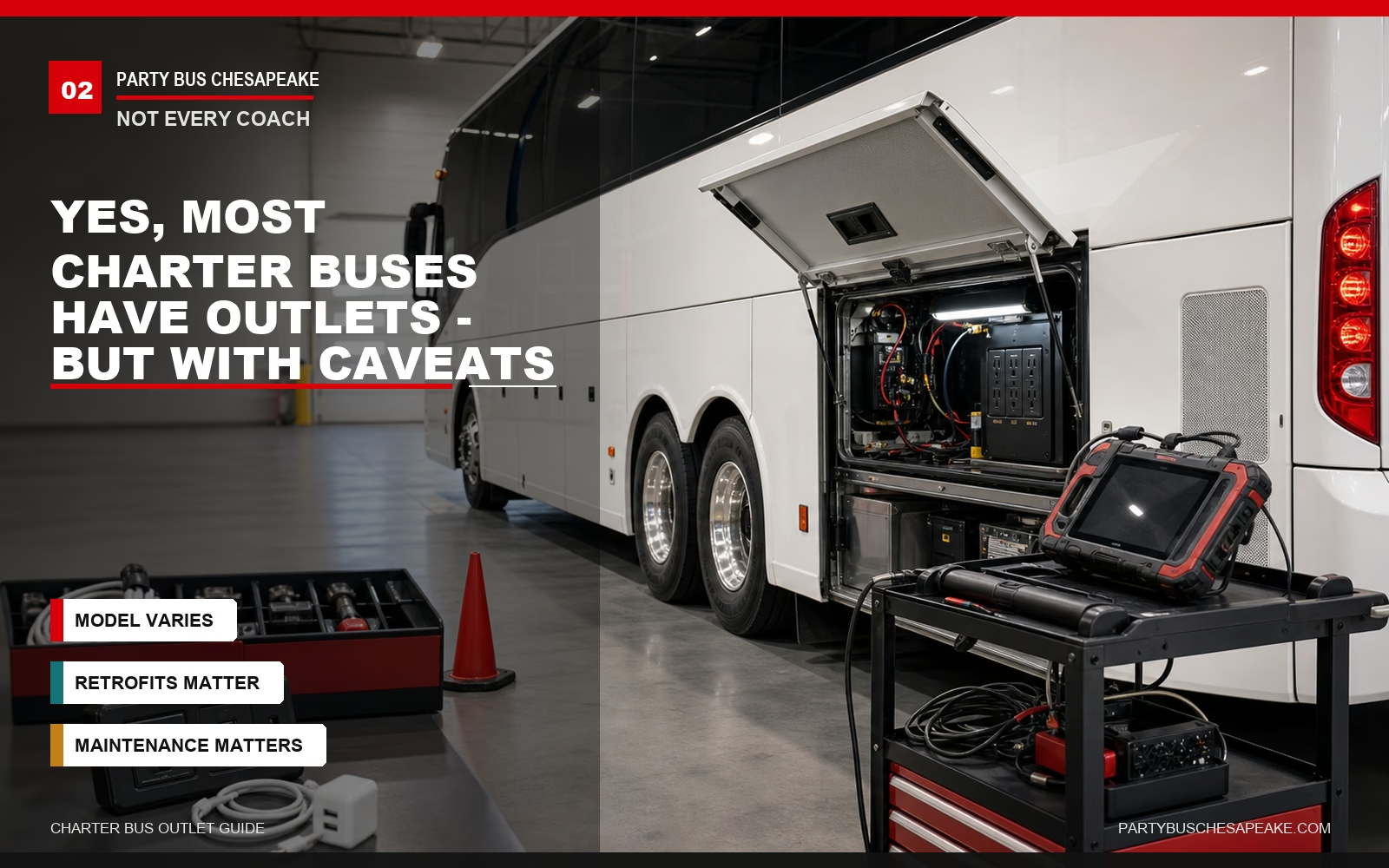
If you're booking a standard full-size motorcoach from a reputable operator, you can reasonably ask for 110-120V AC outlets at every row or every other row, plus USB ports at many seats. But that is not a guaranteed baseline on every coach. It depends on the specific vehicle, how the operator ordered or retrofitted it, and whether the onboard inverter and outlet system are being maintained.
Where it gets messier is at the edges of the fleet:
- Older motorcoaches (pre-2010): May have no passenger outlets at all, or only front-of-cabin outlets for the driver and tour guide.
- Mid-size coaches and minibuses: Outlet coverage is inconsistent. Premium minibuses often have outlets; budget shuttles often don't.
- School bus conversions: Usually should not be expected to have at-seat outlets unless they have been specifically retrofitted.
- Sprinter-style executive vans: Frequently have outlets or USB ports, but the number of passenger-accessible outlets can be limited.
The takeaway: don't assume. The bus class and the specific unit assigned to your trip matter more than the operator's general fleet description.
The Types of Outlets You'll Find on a Charter Bus
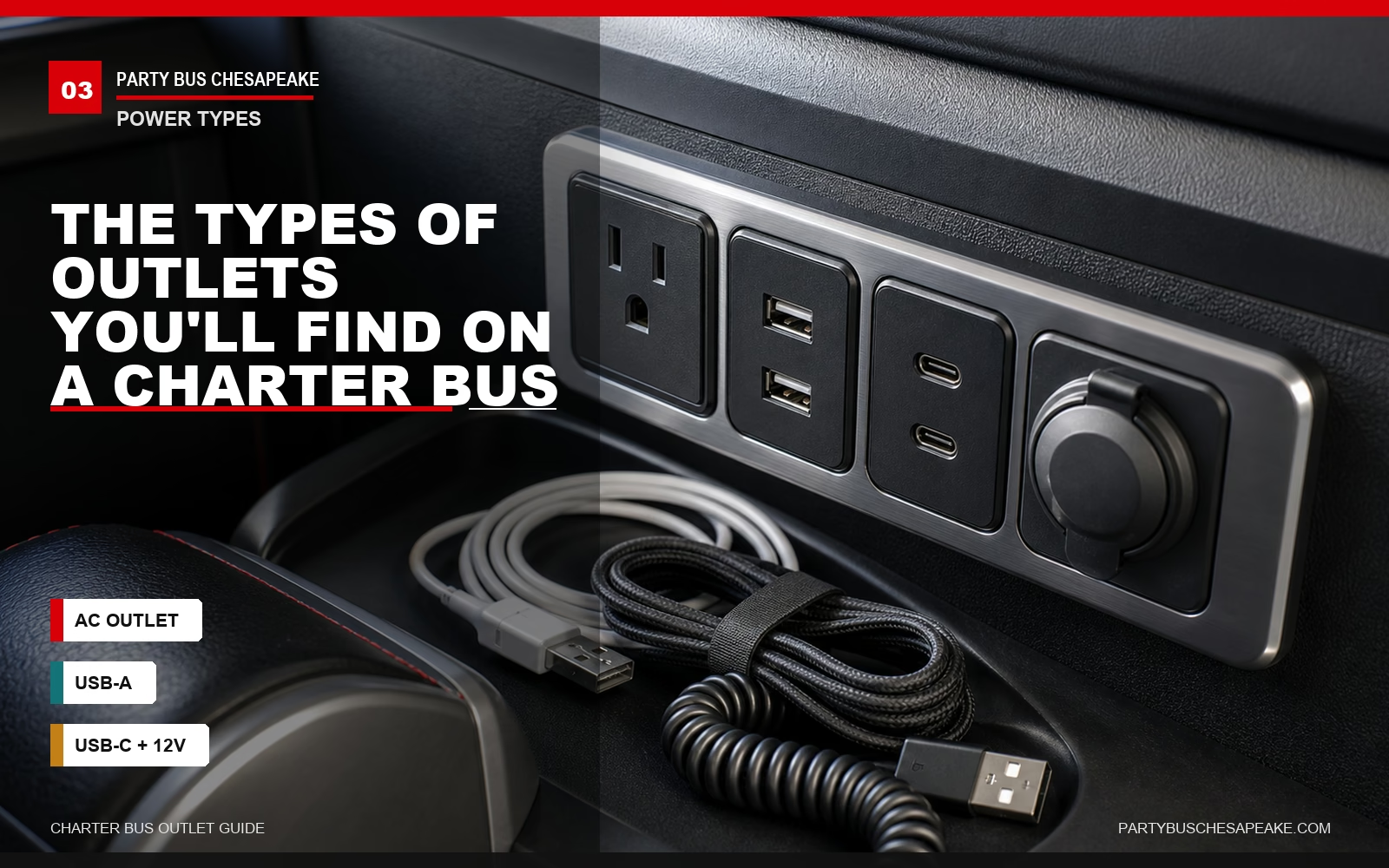
Not all outlets are created equal. Knowing which kind your bus has tells you exactly what you can plug in — and what you can't.
110-120V AC Outlets (Standard Wall Outlets)
These are the same three-prong outlets you have at home — typically NEMA 5-15R receptacles, which are rated for 15 amps and 125 volts. On a U.S. charter bus, the AC power you use from these outlets is normally 120V, 60Hz.
That circuit math matters more than people realize: 15 amps × 120 volts = 1,800 watts of theoretical maximum draw per 15-amp circuit. But for loads expected to run continuously, electrical planning commonly uses a 125% sizing rule, which is the practical reason people refer to an 80% continuous-load ceiling; on a 15-amp, 120V circuit, that works out to about 1,440 watts. You can see that continuous-load logic in NEC 210.19(A)(1) summaries.
On a moving vehicle, the usable limit may be lower because the onboard inverter, wiring layout, and operator policy matter. That 1,800W is also often shared across multiple seat pairs — sometimes an entire side of the coach.
What this means in practical terms: if everyone in row 4 plugs in laptops, phones, and a tablet simultaneously, you're usually nowhere near tripping the breaker. If two passengers try to run hair dryers off the same shared circuit, you absolutely can trip it.
USB-A Ports
The flat, rectangular USB ports most charter buses installed throughout the 2010s. Output varies by hardware. Basic USB power can be far lower, USB Battery Charging 1.2 is commonly listed at 5V and 1.5A, or 7.5W, and many practical USB-A charging modules provide around 5V at 2.0-2.4 amps, or about 10-12 watts.
Eaton's USB charging reference shows the difference between standard USB, USB Battery Charging, non-PD USB-C, and USB-C Power Delivery wattages.
That's enough to keep a phone topped off during a four-hour ride to D.C. It is not enough to charge a tablet fast, and it's nowhere near enough to reliably charge a laptop.
USB-C Ports
The newer, oval-shaped ports showing up on more recent coaches and retrofits. On budget fleets, USB-C ports often still output only 10-15W — they just use a different connector.
On premium fleets, USB-C ports may support Power Delivery (PD), which can output 20W, 45W, 65W, 100W, or more depending on the installed hardware. The USB-IF says USB Power Delivery Revision 3.1 enables up to 240W over USB Type-C, but that does not mean a charter bus seat port delivers 240W. Most bus USB-C ports, even when PD-enabled, are more likely to be in the 20-65W range unless the operator can confirm otherwise.
If outlet quality matters to your trip — say you're booking a corporate group that needs to keep working en route — confirming USB-C PD support and the wattage per port is one of the highest-leverage questions you can ask.
12V Outlets (Cigarette-Lighter Style)
Older buses and some shuttle vans still have round 12V outlets — the same kind you'd find in a car. Their usable output depends on the fuse, wiring, and adapter rating, and they require a 12V-to-USB or 12V-to-AC adapter to be useful for modern devices. Bring your own adapter if your bus is older, but ask the operator before using any inverter-style accessory.
Where Are Outlets Located on a Charter Bus?
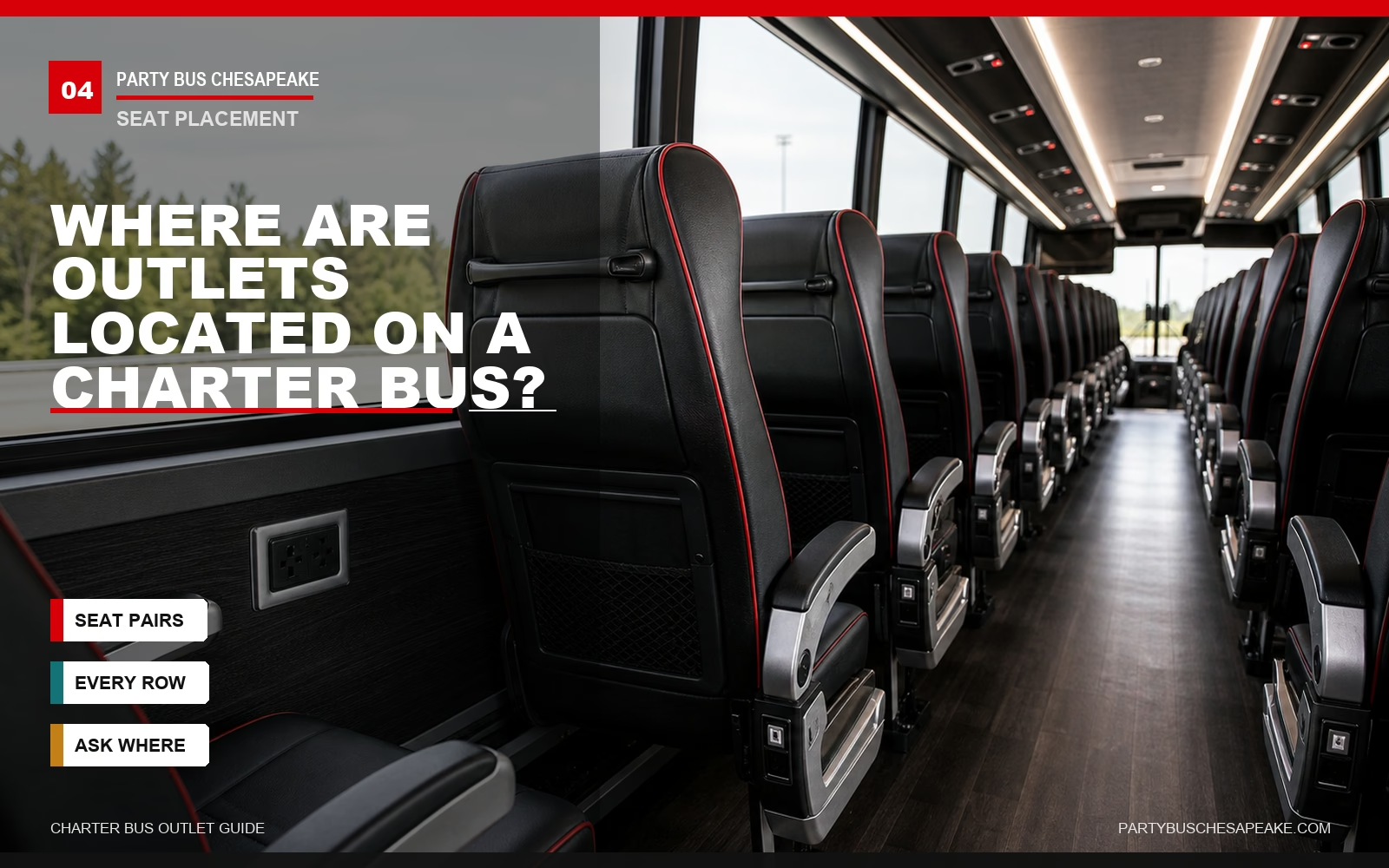
Outlet placement is one of the biggest practical differences between bus classes — and one of the least-advertised. Here's what to expect:
- Premium motorcoaches (Prevost H3-45, MCI J4500 with luxury package): Often spec'd with AC outlets and USB at each seat or seat pair. MCI's J-Series brochure lists 110V outlets with USB at every seat in certain spec packages, while Prevost lists 110V outlets with USB as optional, so confirm the specific coach.
- Standard motorcoaches: One AC outlet shared between each pair of seats, outlets at every row, or outlets at most seats. USB-A ports are common, but USB-C PD is not guaranteed.
- Mid-tier coaches: Outlets at every other row, or one per row of four seats. Plan for some sharing.
- Minibuses and executive shuttles: Often only at the front and rear of the cabin, with USB ports scattered throughout.
- School bus conversions: Generally no passenger-accessible outlets unless the vehicle has been retrofitted for activity, tour, or executive use.
You'll also often find outlets near the restroom area for maintenance or cleaning equipment, in the driver area, and sometimes mounted in non-passenger areas. Those should not be treated as passenger charging points unless the operator says they are available.
Outlets by Bus Class — What to Expect

Here's the table we wish every operator published on their own site. Use it to set realistic expectations before you book.
| Bus Class | Typical Capacity | AC Outlets | USB Ports | USB-C PD? | Inverter Capacity |
|---|---|---|---|---|---|
| Premium Motorcoach (Prevost H3-45, MCI J4500 Executive) | 56 passengers, with some layouts higher or lower depending on seating. | 1 per seat or 1 per seat pair when spec'd that way. | 1-2 per seat or seat pair when spec'd. | Sometimes; confirm wattage. | 1,800-4,000W+ depending on specification, with MCI listing a 4,000W inverter with per-seat 110V/USB in its J-Series brochure and Prevost listing an optional second 1,800W inverter. |
| Standard Motorcoach (MCI J4500 or D-Series, Van Hool CX45, Prevost X3-45) | 54-56 passengers typical. | 1 per seat pair or row is common, but varies. | 1 per seat or seat pair common, usually USB-A. | Sometimes; confirm wattage. | Commonly operator-specific; verify total inverter capacity. |
| Mid-Size Coach | 35-44 passengers. | 1 per row, 1 per seat pair, or none depending on spec. | Some seats or rows. | Sometimes on newer units. | Operator-specific; verify. |
| Minibus / Mini Coach | 20-30 passengers. | 2-4 total or scattered rows. | Sporadic. | Sometimes, but not guaranteed. | Operator-specific; verify. |
| Executive Sprinter Van | 12-15 passengers. | 2-4 total is common, but layout varies. | Sometimes. | Sometimes. | Operator-specific; verify. |
| School Bus / School Bus Conversion | 40-72 passengers. | Usually none for passengers unless retrofitted. | Rare unless retrofitted. | No, unless retrofitted. | Minimal or retrofit-specific. |
The single most important variable in that table isn't the bus class — it's the operator's commitment to maintaining the inverter and electrical system. We've seen older motorcoaches with flawless power systems and newer minibuses where half the outlets are dead. Always ask about the specific unit assigned to your trip, not just the fleet category.
What You Can Actually Charge: Device-by-Device
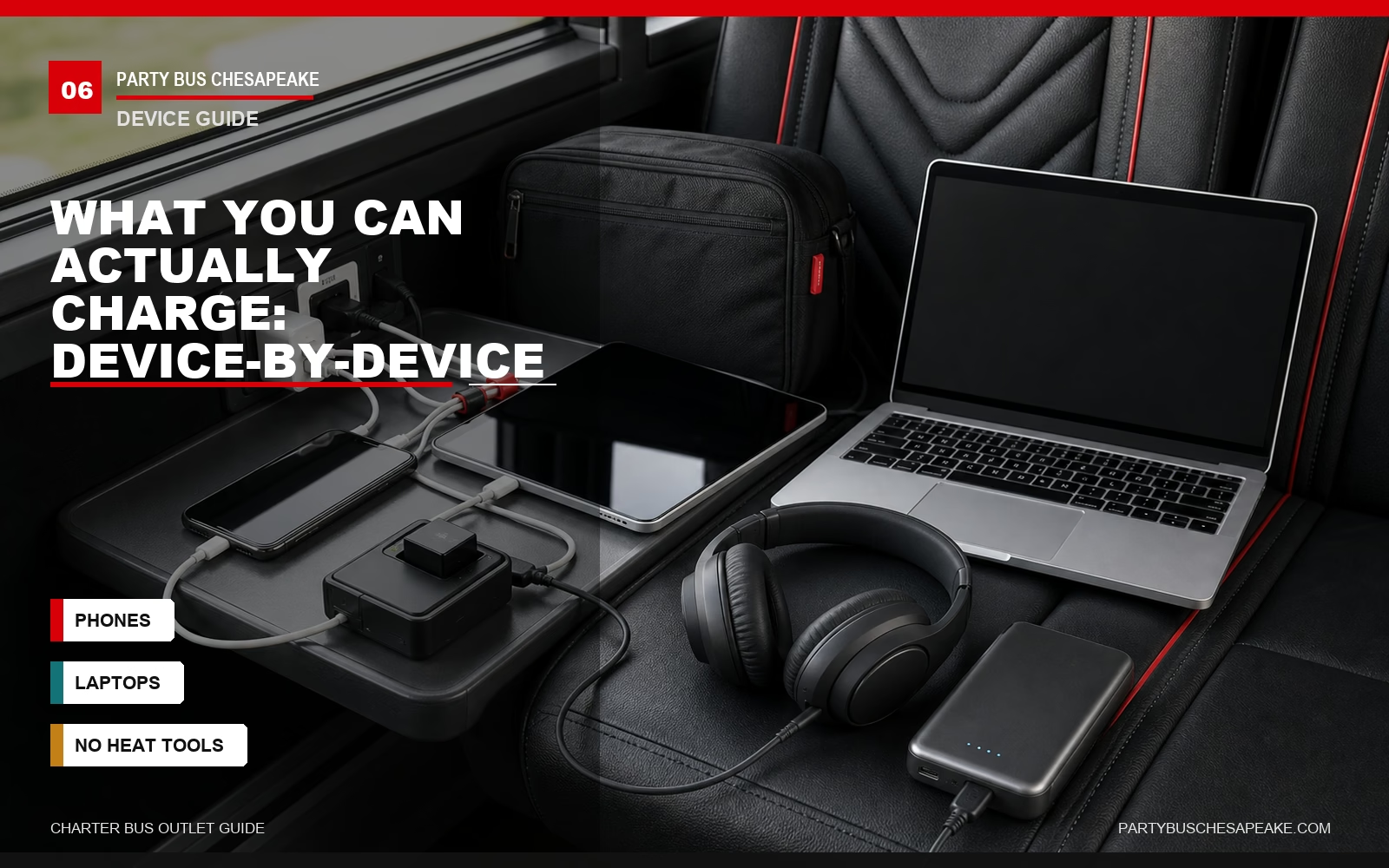
This is the table that should settle the "will my X actually work?" question for good.
| Device | USB-A (Usually 5-12W) | USB-C Standard / Non-PD | USB-C PD (45W+) | AC Outlet |
|---|---|---|---|---|
| Smartphone | Slow to standard charge. | Standard charge. | Fast charge. | Use wall charger. |
| Tablet (iPad, Galaxy Tab) | Maintains or slow charge. | Slow charge. | Standard charge. | Use wall charger. |
| Laptop (MacBook Air, ultrabook) | No or maintains only. | Maintains only. | Charges slowly or normally depending on laptop. | Charges normally with original charger. |
| Gaming Laptop / 16" MacBook Pro | No. | No. | May maintain or slow-charge in light use if wattage is high enough. | Charges normally if the bus outlet and inverter support the charger load. |
| Camera Battery Charger | Depends on model. | Yes for USB-C cameras. | Yes. | Yes. |
| CPAP Machine | No. | No. | Rare; only if the device is specifically designed for USB-C power. | Most models yes, but verify wattage and bring battery backup. |
| Bluetooth Headphones / Earbuds | Yes. | Yes. | Yes. | Use charger. |
| Portable Gaming (Switch, Steam Deck) | Maintains or slow charge. | Slow charge. | Standard charge. | Use charger. |
| Hair Dryer / Hot Styling Tool | No. | No. | No. | Do not use — high draw and often prohibited. |
| Coffee Maker / Kettle | No. | No. | No. | Do not use — high draw and usually prohibited. |
| Compact USB Wall Charger (multi-port) | — | — | — | Usually allowed if plugged into AC and used for phones/tablets. |
| Standard AC Power Strip (6-outlet) | — | — | — | Sometimes allowed; ask operator and never daisy-chain. |
The two device categories that get people in trouble most often are hair dryers and hot styling tools, because heat appliances can draw a lot of current and create safety issues, and portable gaming setups with full-size monitors that try to draw 200W+ on a shared circuit.
If you're traveling for a Virginia Beach destination wedding or a corporate retreat in Williamsburg, brief your group on this in advance. The fastest way to kill power for an entire side of the coach is one passenger plugging in something that draws too much current.
How to Confirm Outlets Before You Book: The 5-Question Checklist
If you're a trip planner, school transportation coordinator, or corporate admin signing the contract, here are the exact questions to ask the operator before you put down a deposit. Anyone evasive on these is not the operator you want.
- "What is the specific make, model, and year of the bus assigned to my trip?"
Why it matters: A "MCI J4500" tells you what to expect. "A 56-passenger coach" doesn't. The model year helps, but the actual outlet spec matters even more because outlets and USB systems can be optional or retrofit equipment. - "How many AC outlets does that specific unit have, and where are they located?"
Why it matters: Forces the operator to give you a real number instead of "yes, it has outlets." If they can't answer, they don't know — and you should expect surprises. - "Are the USB ports USB-A only, or does the bus have USB-C with Power Delivery? If it has USB-C PD, what wattage?"
Why it matters: This is the single biggest differentiator between a coach where laptops charge and a coach where they don't. Corporate trips especially need this confirmed. - "What is the total inverter capacity on the unit, and how are the outlets grouped across circuits?"
Why it matters: Tells you how much realistic simultaneous draw your group can support before tripping breakers. A low-capacity inverter with 56 passengers is going to feel different from a 4,000W system. - "What is your policy on power strips, and what should passengers do if an outlet stops working mid-trip?"
Why it matters: Sets expectations on both ends. Some operators allow compact surge protectors or USB charging hubs; some prohibit them. Knowing the driver's authority to reset a tripped breaker can save a trip.
Save those five questions, paste them into your booking email, and you'll get better answers than 90% of charter bus customers ever do. If you'd like to compare answers across operators, request a quote and ask the same questions of each one — the gaps will be obvious.
What to Bring as a Passenger
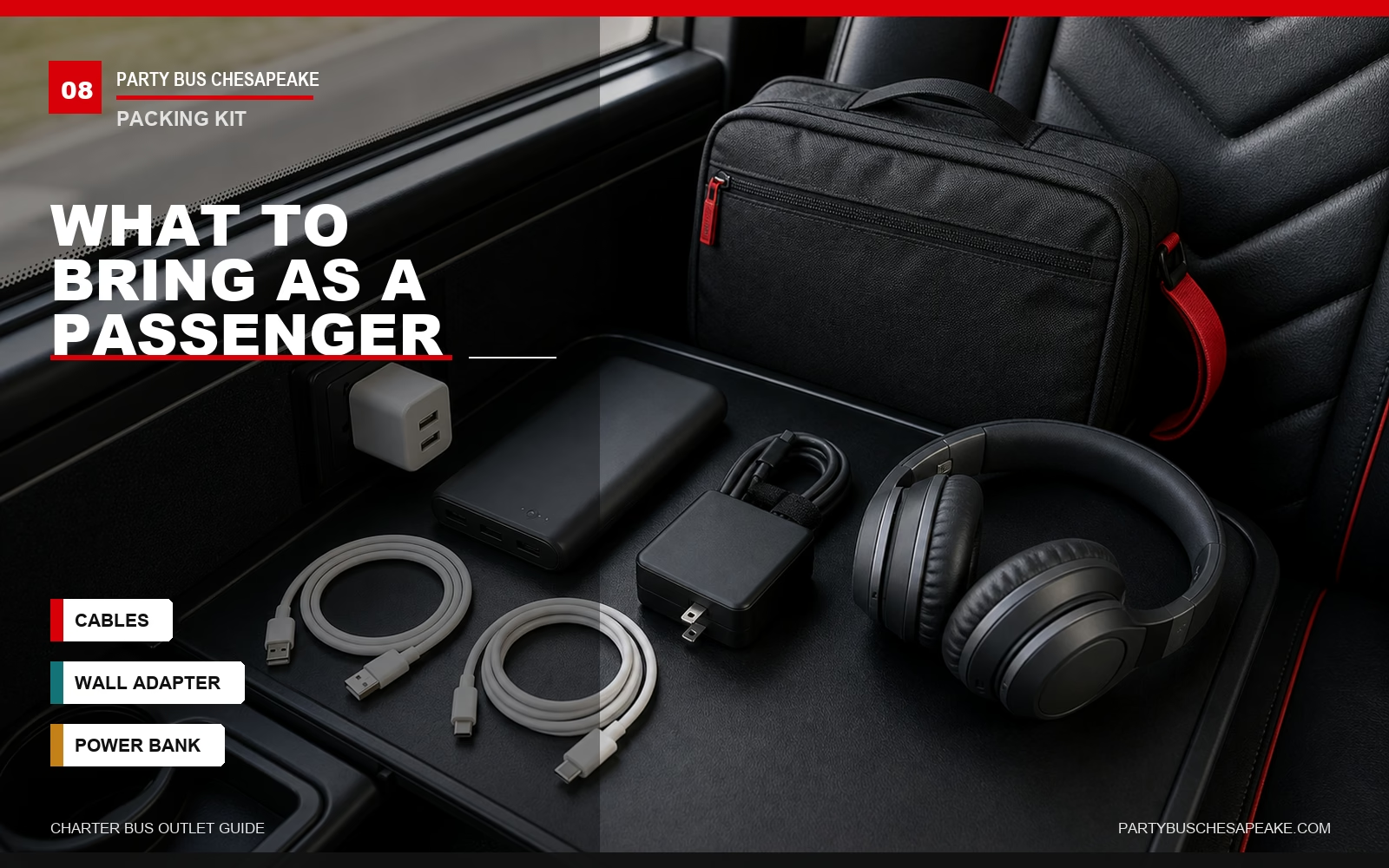
Whether you've confirmed everything in advance or you're boarding tomorrow morning without specifics, a small kit of cables and backups will cover every realistic scenario:
- USB-A and USB-C cables for every device. A short 1-foot cable is far better than the 6-foot one you brought from home — less tangle, less strain on the port.
- A compact dual-port USB wall adapter (something with one USB-A and one USB-C PD port). Plugs into the bus AC outlet and gives you two fast-charge ports from one outlet.
- A 10,000mAh+ power bank as backup. Even if every outlet works, the person in your row may be hogging it. A power bank also handles the walk from the bus to wherever you're going.
- Your laptop charger (AC). Plugs directly into the bus outlet. Don't rely on charging a laptop over USB-A — it won't work.
- Headphones with their own battery, charged before boarding. Don't depend on bus power for in-trip audio.
For longer rides — say a Chesapeake-to-Charlottesville sports trip, or a senior group heading out to the Outer Banks for a long weekend — that small kit becomes the difference between a comfortable ride and a four-hour scramble for the one working outlet.
What to Do If Your Outlet Doesn't Work Mid-Trip
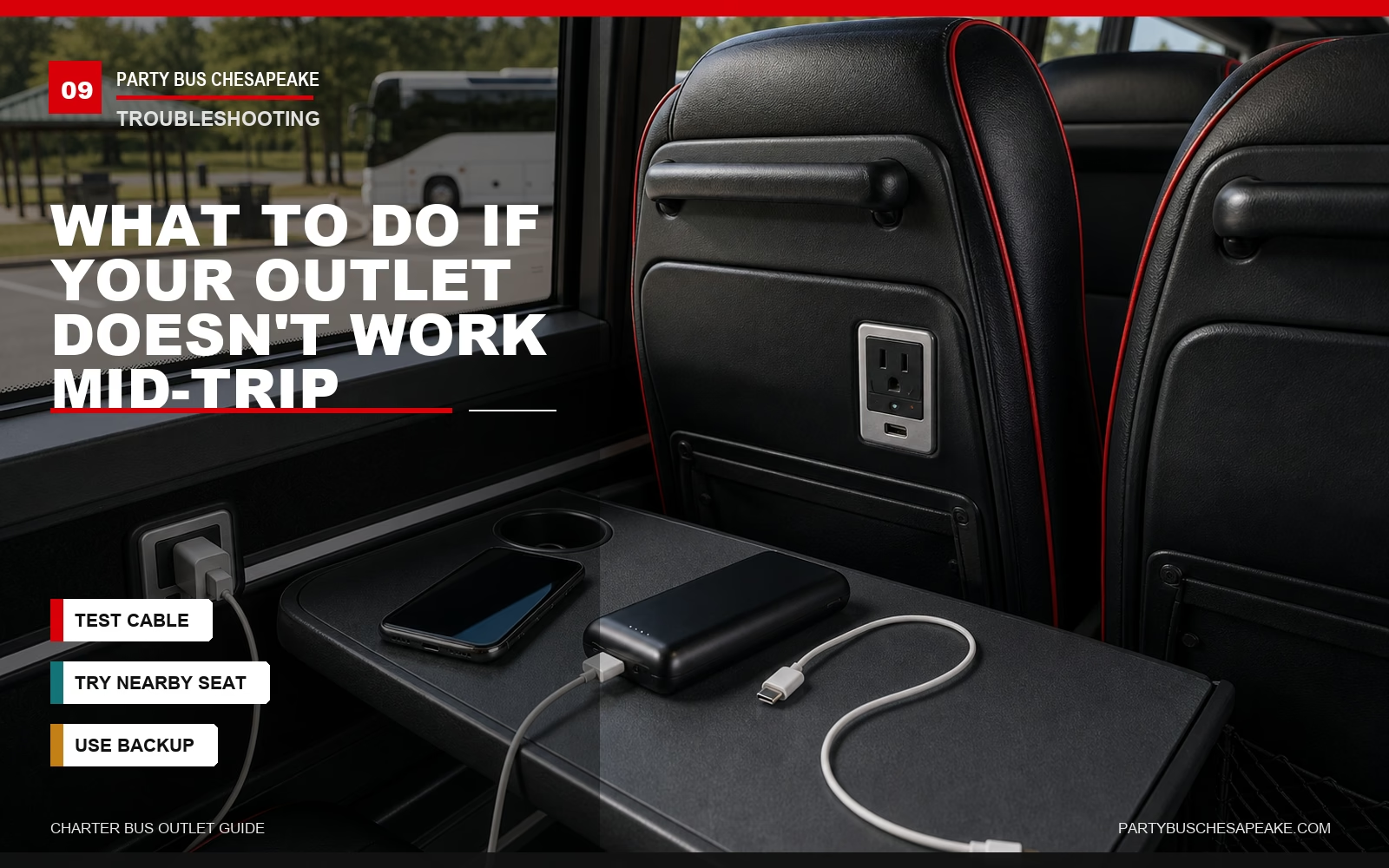
It happens. Inverters get overloaded, GFCI outlets trip, and occasionally a specific seat outlet has a loose connection. Here's the actual order of operations:
- Try a different device in the same outlet. Cheap charging cables fail constantly. Rule out your own equipment before you assume the outlet is dead.
- Try a different outlet at a nearby seat. If your row is dead but the row behind you works, you've got a localized circuit issue, not a system-wide one.
- Notify the driver politely at the next stop. Many bus inverters have a reset button only the driver can reach. Some have a GFCI that needs to be flipped back on. The driver may also know that a particular outlet has been flagged for maintenance.
- If multiple outlets are dead at once, suspect circuit overload. Politely ask seatmates if anyone is running a high-draw device. Sometimes unplugging one item restores power; other times the driver will need to reset the system at a safe stop.
- Switch to your power bank. This is exactly what the backup is for. Save the conversation for after the trip.
What you should not do: try to "fix" the outlet yourself, plug in an extension cord run from a different row, or assume the driver is ignoring you. Drivers are responsible for the safe operation of a 45-foot vehicle on the highway — outlet troubleshooting happens at a rest stop, not on the move down I-664.
Can You Bring a Power Strip on a Charter Bus?
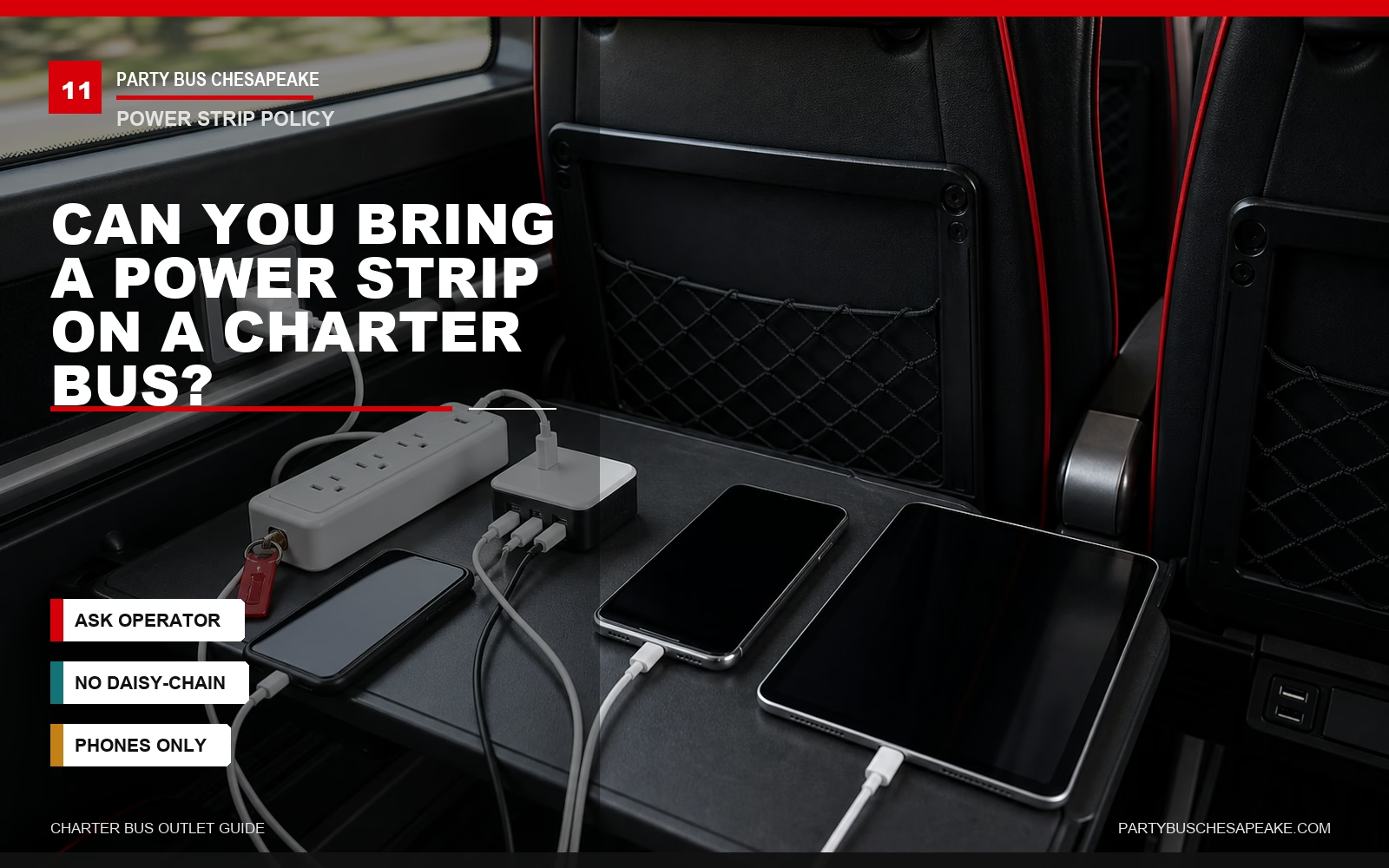
Often yes — with caveats. Most operators are more comfortable with:
- Compact USB-only multi-port chargers used for phones and tablets
- Small surge-protected power strips with 3-6 outlets, if allowed by the operator
- Single-outlet wall adapters with multiple USB ports built in
Most operators discourage or prohibit:
- Daisy-chained power strips (strip plugged into another strip)
- Heavy-duty extension cords run between rows
- Power strips used to run multiple high-draw devices from one bus outlet
The reasoning is straightforward: a power strip can let one passenger draw more current than the circuit is designed for, which trips the breaker for everyone sharing that circuit. A well-behaved compact strip used to charge phones is usually fine; a 12-outlet strip running multiple high-draw devices is not.
Ask the operator's policy in writing before the trip, and brief any passenger bringing one. One of the most common causes of mid-trip outlet failure on group charters is one well-meaning passenger overloading a shared circuit with a power strip.
Charter Bus Power on Common Chesapeake Routes
Most trips out of Chesapeake fall into one of four route profiles, and power planning matters differently for each:
Chesapeake to Washington, D.C. (about 3.5-4+ hours by bus via I-64/I-95 or US-17/I-95)
Long enough that everyone will want to charge something. Public driving estimates are around 3 hours 25 minutes without major group stops or heavy traffic, according to Rome2Rio's Chesapeake-to-Washington driving estimate, so charter groups should budget more time for loading, traffic, and rest stops. If you're running a school group, military reunion, or political-action trip up to the Capitol, this is a route where USB-C PD support pays off — students and chaperones can keep tablets and laptops topped off for the full ride. Plan for a rest stop near Fredericksburg for passenger comfort, not because the inverter needs to "cycle."
Chesapeake to Williamsburg / Busch Gardens (about 1-1.5 hours via I-64)
Short enough that USB-A charging is fine for phones. Rome2Rio estimates the Chesapeake-to-Williamsburg drive at about one hour, though charter groups should allow extra time for loading, traffic, and park drop-off logistics. Field-trip groups should brief students to top off devices before boarding rather than relying on slow USB charging during a short ride.
Chesapeake to Outer Banks (about 2-2.5 hours via VA-168 / NC-168 / US-158)
Beach weekend trips often have heavy device usage on the ride down — Bluetooth speakers, group video calls, gaming. Confirm outlet count at booking. OuterBanks.org describes the common route from Chesapeake using Route 168, which becomes US-158 in North Carolina, and Rome2Rio estimates the drive from Chesapeake to the Outer Banks at about 2 hours 20 minutes.
Power bank backups are especially worth it for OBX trips since you'll be off-coach for most of the day and need full battery when you return.
Local Hampton Roads Shuttles (under 1 hour)
Wedding shuttles between Virginia Beach and Chesapeake, corporate runs to Norfolk International, Naval Station Norfolk gate shuttles — for any trip under an hour, outlets are convenience, not necessity. Don't pay a premium for premium electrical systems on short shuttle routes unless your group has a specific device or medical-power need.
For any of these, you can review what to expect on our Chesapeake charter bus rental page, or check related amenity guides like do charter buses have bathrooms and do charter buses have Wi-Fi.
Frequently Asked Questions
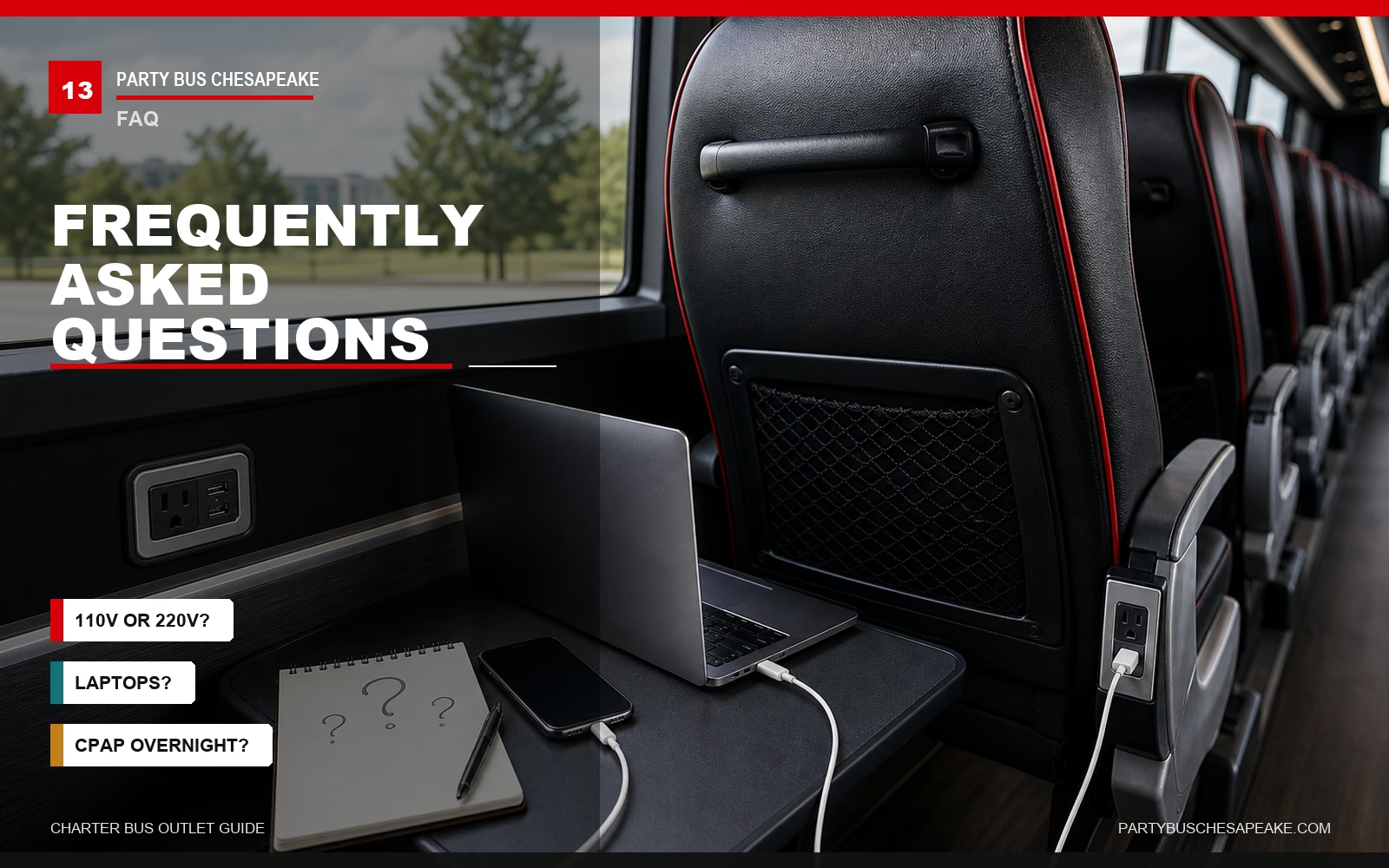
Are charter bus outlets 110V or 220V?
In the United States, charter bus AC outlets are normally 110-120V at 60Hz — the same nominal household power range passengers expect at home. The receptacle is usually a NEMA 5-15-style three-prong outlet, which is rated 15A and 125V. International coaches or specialty imported vehicles may be different, but you should not expect 220V on a normal domestic charter from Chesapeake unless the operator specifically says so.
How many outlets does a typical charter bus have?
A standard 56-passenger motorcoach with passenger power may have one AC outlet per seat pair or one per seat, meaning roughly 28-56 passenger AC outlets. USB ports may be per seat, per seat pair, or limited to certain rows. Premium executive coaches are more likely to have one outlet and one USB port at every seat.
Older or budget coaches may have only a handful of outlets or none at all.
Do charter buses have Wi-Fi too?
Many modern charter buses offer onboard Wi-Fi alongside outlets, but Wi-Fi is not guaranteed. Manufacturers commonly list Wi-Fi as optional equipment, and connection quality varies dramatically based on cellular coverage along your route. Coverage is usually better on major corridors than on rural, coastal, or bridge-tunnel-heavy stretches.
Can I charge my laptop on a charter bus?
Yes, if the bus has 110-120V AC outlets — plug in your standard laptop charger directly. USB-A ports will not reliably charge a laptop. USB-C PD ports of 45W+ can charge many ultrabooks, though the speed depends on the laptop and port wattage.
For larger laptops like 16-inch MacBook Pros or gaming laptops, use the AC outlet and your original charger, and confirm the operator's power limits if many passengers will be charging at once.
Do school buses have outlets?
Standard yellow school buses generally do not have passenger outlets. School-charter conversions and activity buses sometimes have a single outlet up front or retrofitted USB ports, but you should not assume it. For school field trips out of Chesapeake Public Schools where students need charging, request a motorcoach charter rather than a standard school bus.
Will a CPAP machine work on a charter bus overnight?
Many CPAPs can run from a charter bus AC outlet if the outlet is active and the inverter supports the load, but inverters may shut off during engine-off rest periods. Always bring a dedicated CPAP battery backup for overnight trips. Confirm with the operator that the inverter stays active during driver rest stops if your trip includes them.
What happens if the bus outlet stops working?
First try a different cable and a different seat outlet to rule out localized issues. Notify the driver at the next stop — many inverter and GFCI resets are only accessible to the driver. Use a power bank as backup.
Avoid plugging in high-draw devices that could trip the circuit for everyone.
Are there outlets in the bathroom of a charter bus?
No. Onboard bus restrooms generally do not have passenger-accessible outlets. There may be maintenance wiring or a service outlet near the restroom area on some coaches, but it's not intended for passenger use.
Do party buses have outlets?
Many party buses have outlets, USB ports, and electrical systems that also power sound, lighting, and entertainment equipment. That does not automatically mean passengers have unlimited charging capacity. Confirm with your operator how many outlets are passenger-accessible, which outlets are dedicated to onboard equipment, and whether high-draw devices are prohibited.
Final Thoughts: Don't Assume — Verify
The honest one-line summary of charter bus outlets is this: many modern full-size coaches have them, many have enough for ordinary phone and laptop charging, and most of the time your devices will charge fine. But "most of the time" isn't good enough when you're coordinating a 50-person corporate trip, a multi-day field trip, or a senior group with medical-device dependencies.
Use the five-question checklist above. Brief your passengers on what to bring. Plan for the one outlet that won't work.
Pack a power bank. And work with an operator who can tell you the specific make, model, year, and outlet configuration of the unit assigned to your trip — not just "yes, we have outlets."
If you're planning a charter out of Chesapeake and want straight answers about outlets, USB-C support, and inverter capacity before you book, request a quote from Party Bus Chesapeake and we'll spec out the exact unit best suited to your group's power needs — whether that's a budget school-trip shuttle or a full-executive motorcoach for the cross-state corporate run.